

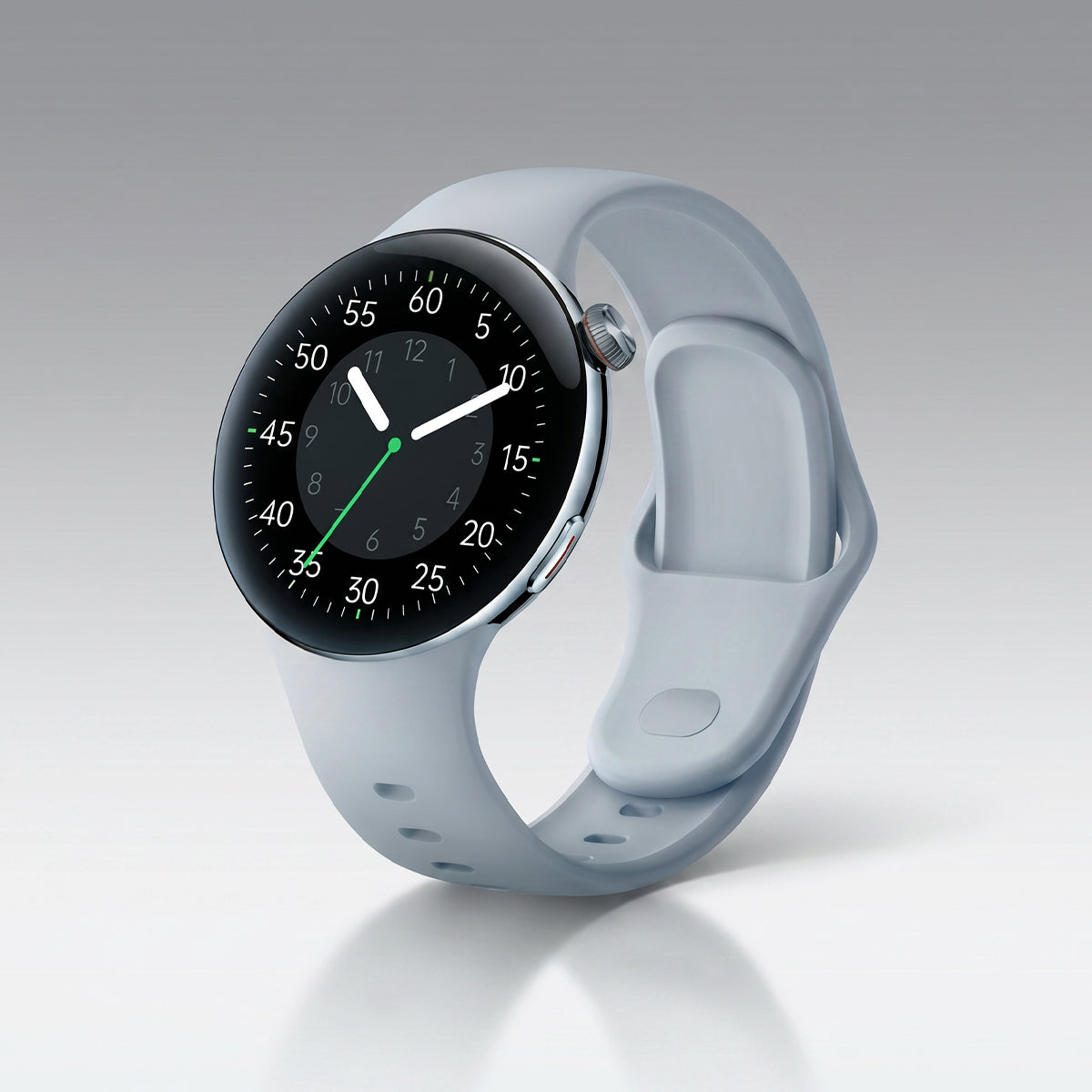
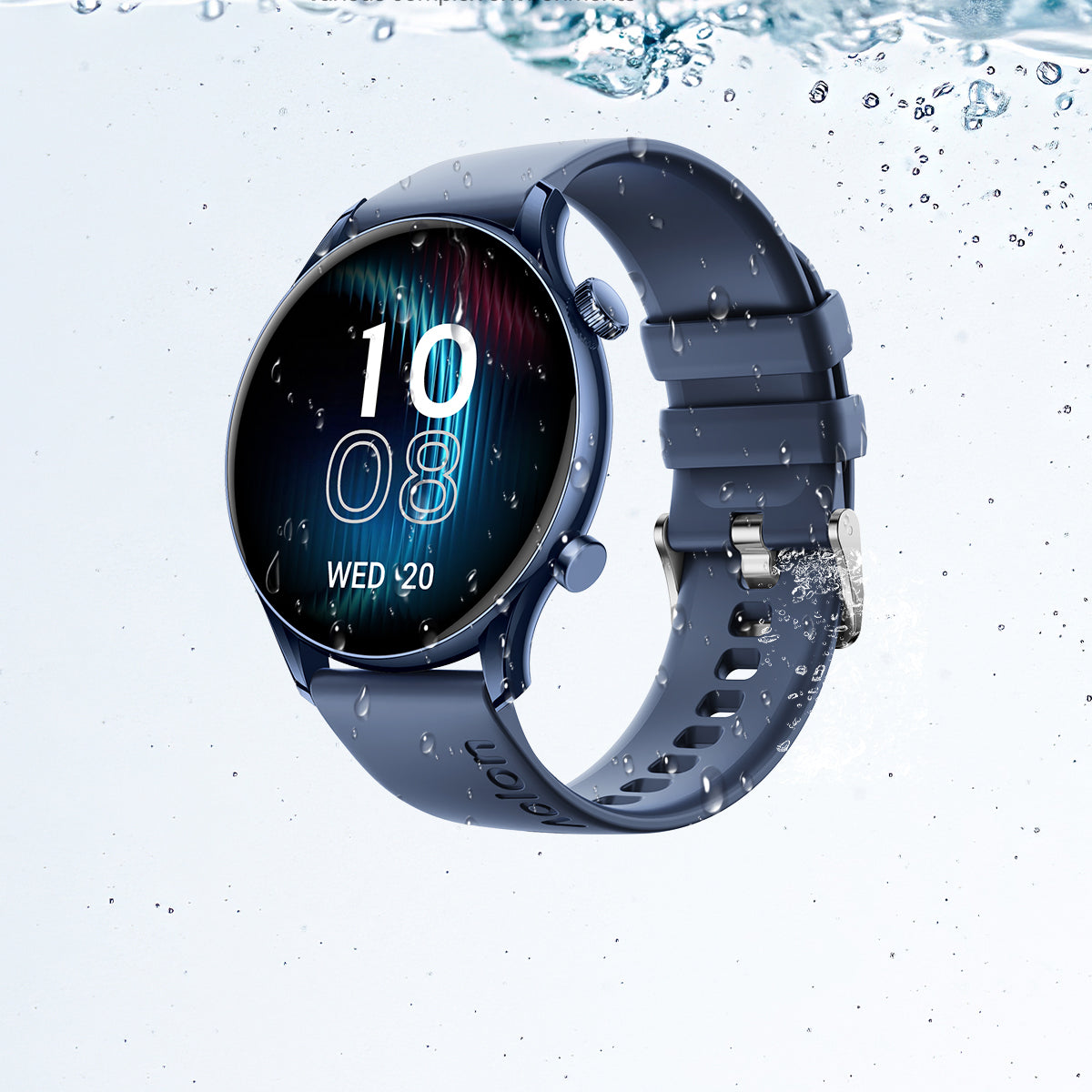
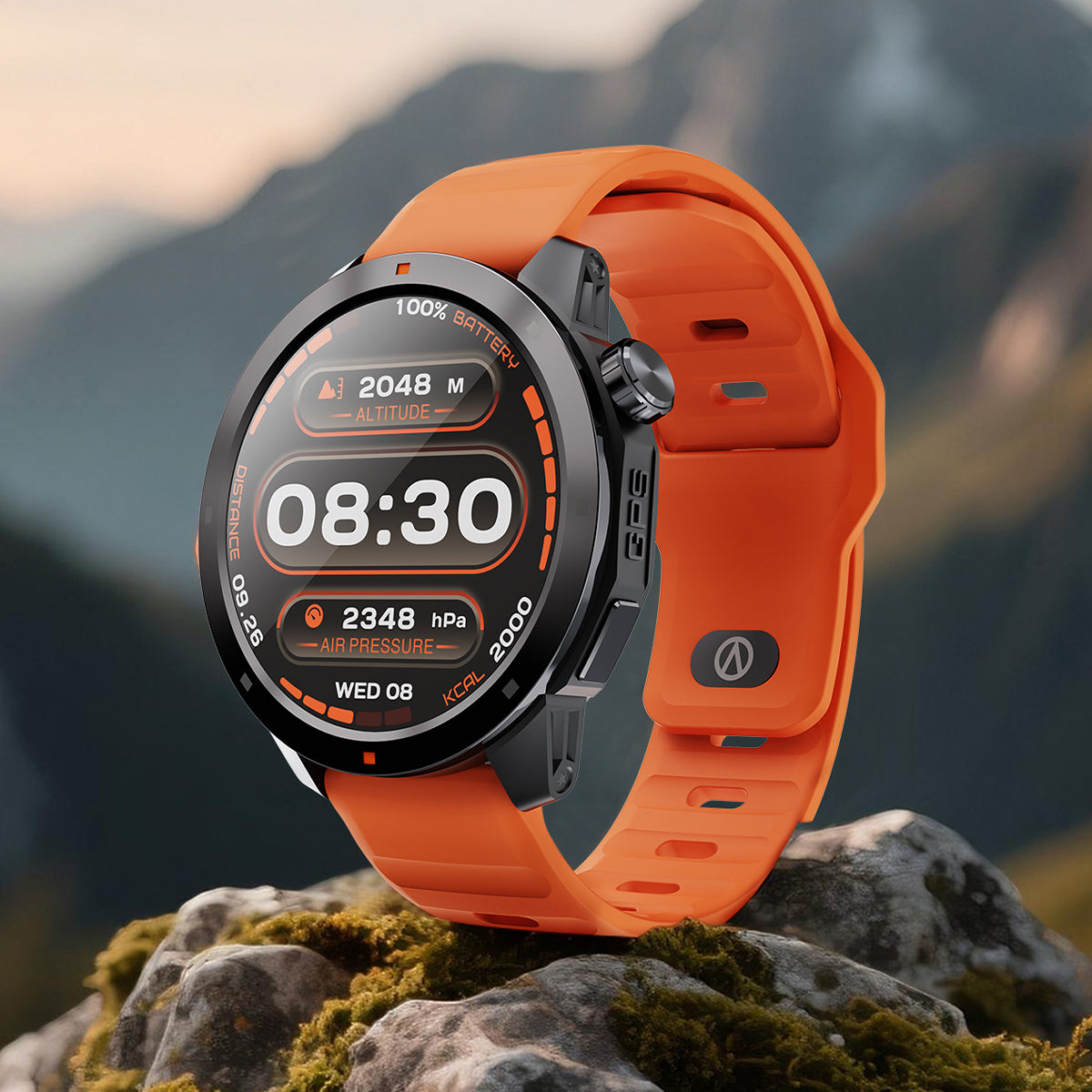

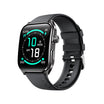
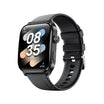
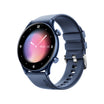
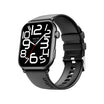
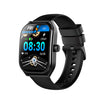
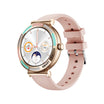
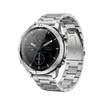
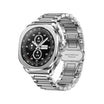
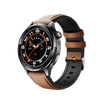

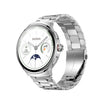
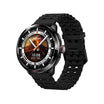
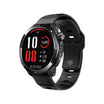
Smart Health , In Your Hands.
Connect with your Aolon smart devices,
track your health data in real time,
and build healthier habits every day.

All Your Health Data, All in One Place
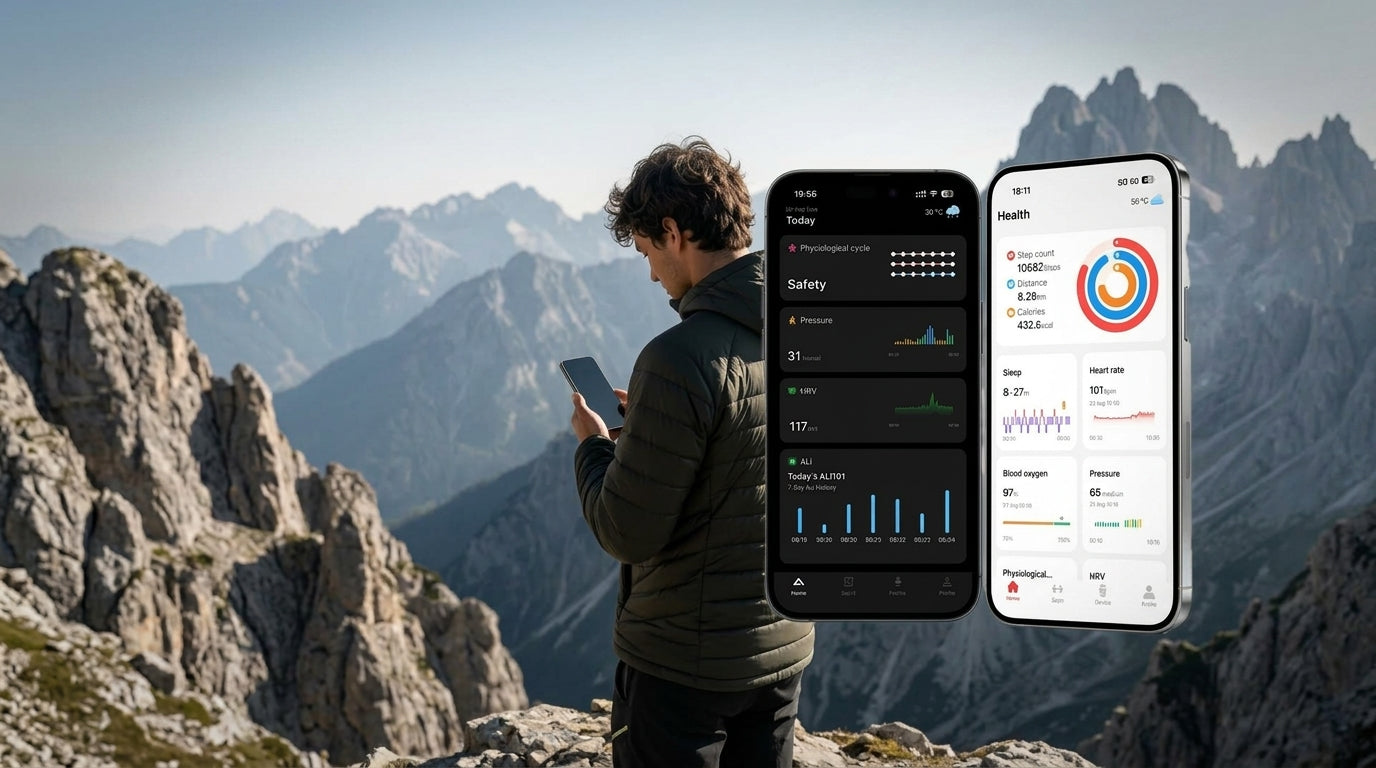
Automatically sync data from your Aolon devices via Bluetooth.
Monitor weight, body fat, BMI, muscle mass and more.
Visualize your progress with easy-to-read charts and insights.
Support multiple user profiles for the whole family.
Set goals and stay motivated with smart reminders.
Your data is encrypted and stored securely.
APP FEATURES
 Stress Analysis
Monitor your daily stress levels with hourly tracking. Understand your pressure ratio and stay in balance.
 Heart Rate Monitor
Track your 24-hour heart rate with resting, average, and peak data. Know your heart range at a glance.
 Music Management
Sync your favorite playlists directly to your watch. Manage music by mood — Run, Relax, or Gym.
 Cycle Tracking
Track your menstrual cycle, ovulation, and predictions on a smart calendar. Stay informed every day.
 Outdoor Workout
Record your running routes on a live map with distance, pace, calories burned, and step count.

DOWNLOAD THE APP
Find Aolon on your
preferred platform.
Install the app, pair your device and manage permissions through its guided setup.

SCAN TO DOWNLOAD
Scan to download the Aolon App.
Open the download page with your phone camera or QR scanner, then follow the pairing guidance in the app.
